
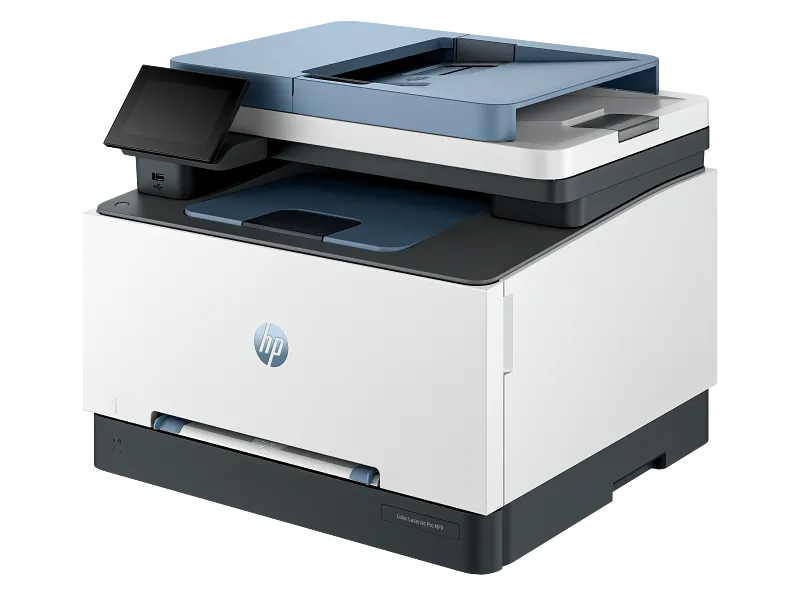
Buying the wrong printer costs more than you think. It’s not just about the purchase price. You’re looking at ink cartridges that drain your budget every month, paper jams that kill productivity, and maybe even a machine that can’t handle your actual workload. Most Kenyan businesses make this mistake. They buy based on the sticker price and regret it six months later.Let’s break down what actually matters when you’re looking for commercial printers for sale in Kenya.
Understanding Your Real Printing Needs
When you’re looking at printers for sale, start with the numbers. How many pages does your office print daily? Be honest here. If you’re printing 500 pages a week, that inkjet printer with cheap cartridges will cost you more than a laser printer in the long run.
Think about your document types, too. Are you printing invoices and reports? Photos and marketing materials? Color or mostly black and white?
Here’s what catches people off guard. You might need scanning and copying functions. Multifunction printers handle all three tasks. They take up less space and usually cost less than buying separate machines.
The Real Cost of Ownership
The purchase price is just the starting point. Ink or toner refills can cost as much as the printer itself within a year. This is where many SMEs in Nairobi get trapped.
Cartridge-based inkjet printers look cheap upfront. The problem shows up when you’re buying new cartridges every few weeks. A single set of color cartridges can run you KSh 4,000 to Ksh 8,000, depending on the brand.
EcoTank printers flip this model. You pay more initially, but refill bottles cost around Ksh 1,500 and last for thousands of pages. The math works out better for businesses that print regularly.
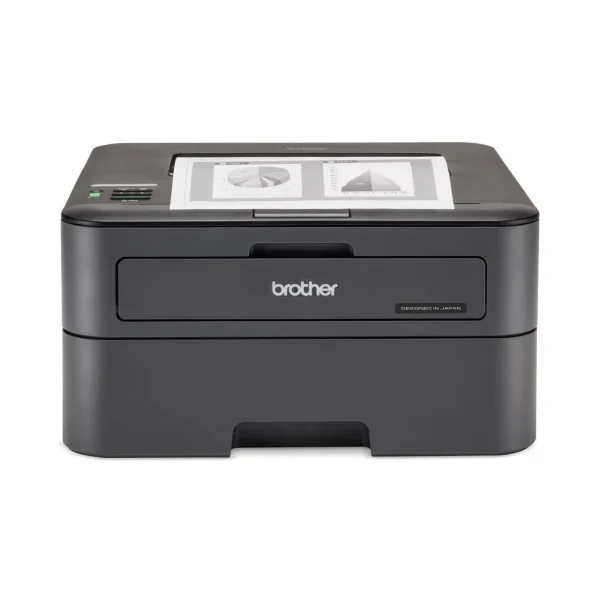
Laser printers are different. Toner cartridges cost more but print way more pages. If you’re running a busy office, they might be cheaper per page than any inkjet option.
Speed and Volume Matter More Than You Think
A slow printer creates bottlenecks. Picture this: your team waiting around the printer during busy periods. Those minutes add up. They cost you money.
Check the pages per minute (PPM) rating. For most SMEs, anything below 20 PPM feels sluggish. If you’re printing invoices, contracts, or reports frequently, you want 30 PPM or higher.
Duty cycle is another spec people ignore. It tells you how many pages the printer can handle monthly without breaking down. A printer rated for 5,000 pages won’t last long if you’re printing 8,000 pages every month.
Connectivity and Workflow
Your printer needs to work with how your team actually operates. WiFi printing lets people print from their laptops or phones without cables. This sounds basic, but it changes how smoothly your office runs.
Cloud printing is becoming standard. Employees can send documents to print while they’re away from the office. Maybe your sales team needs to print contracts from client meetings. This capability matters.
Network printing lets multiple users share one machine. For most Kenyan SMEs, this cuts costs compared to buying individual printers for each department.
Maintenance and Support in Kenya
Here’s something that trips up businesses. Can you get spare parts and service locally? Some brands have strong support networks in Nairobi and other major towns. Others leave you stranded when something breaks.
Ask about warranty coverage. One year is standard, but some commercial models offer extended warranties. Check what’s actually covered. Does it include parts and labor? On-site service, or do you have to bring the printer somewhere?
Downtime costs you money. A printer that sits broken for two weeks disrupts your entire operation. Local support matters more than saving a few thousand shillings on the purchase.
Brand Reliability
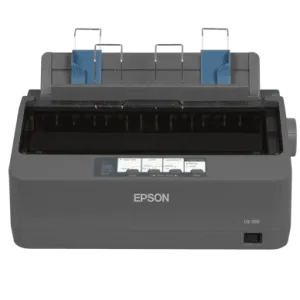
Certain brands have earned their reputation in the Kenyan market. HP and Epson dominate because they work, and parts are available. Canon is solid, too. Brother laser printers are popular with small businesses.
You might see cheaper alternatives. Some work fine. Others are nightmares waiting to happen. Read reviews from other Kenyan businesses if you can. Talk to your IT supplier about what they see failing in the field.
Perhaps the safest route is sticking with proven brands when your business depends on the equipment.
Making the Decision
Compare at least three models before you buy. Write down your requirements first. Don’t let a salesperson talk you into features you don’t need.
Calculate the total cost over two years. Include paper, ink or toner, and estimated maintenance. The cheapest printer often becomes the most expensive.
Visit suppliers who understand business needs. They should ask questions about your printing volume and document types. If they just try to sell you whatever’s in stock, walk away.
Test print if possible. Some suppliers let you see the output quality. This matters especially if you’re printing customer-facing documents.
Your printer choice affects daily operations more than you realize. Get it right and your team barely notices it. Get it wrong, and you’re dealing with complaints and extra costs for years.
Take your time with this decision. The right commercial printer pays for itself through reliability and lower running costs. The wrong one becomes a constant source of frustration and unexpected expenses.
